ΔMBI remembers your work
for every agent you use.
One memory you own, in your chats, on your command line and in your AI apps.
In your chats
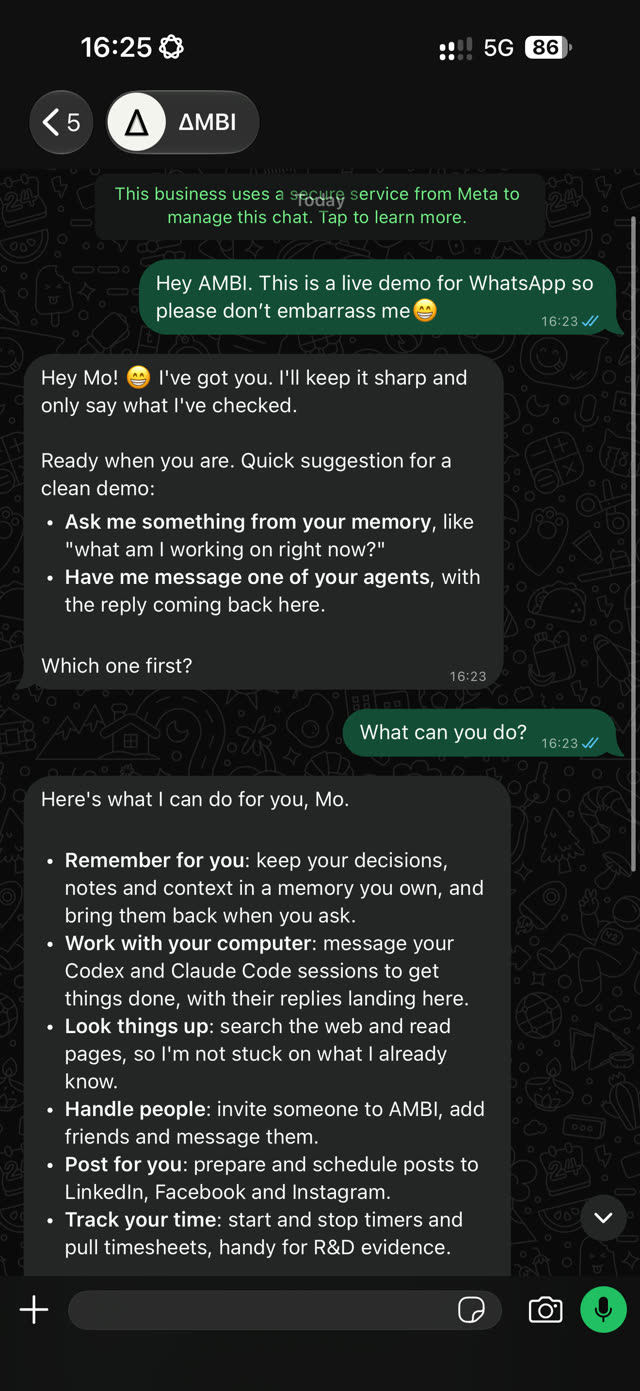
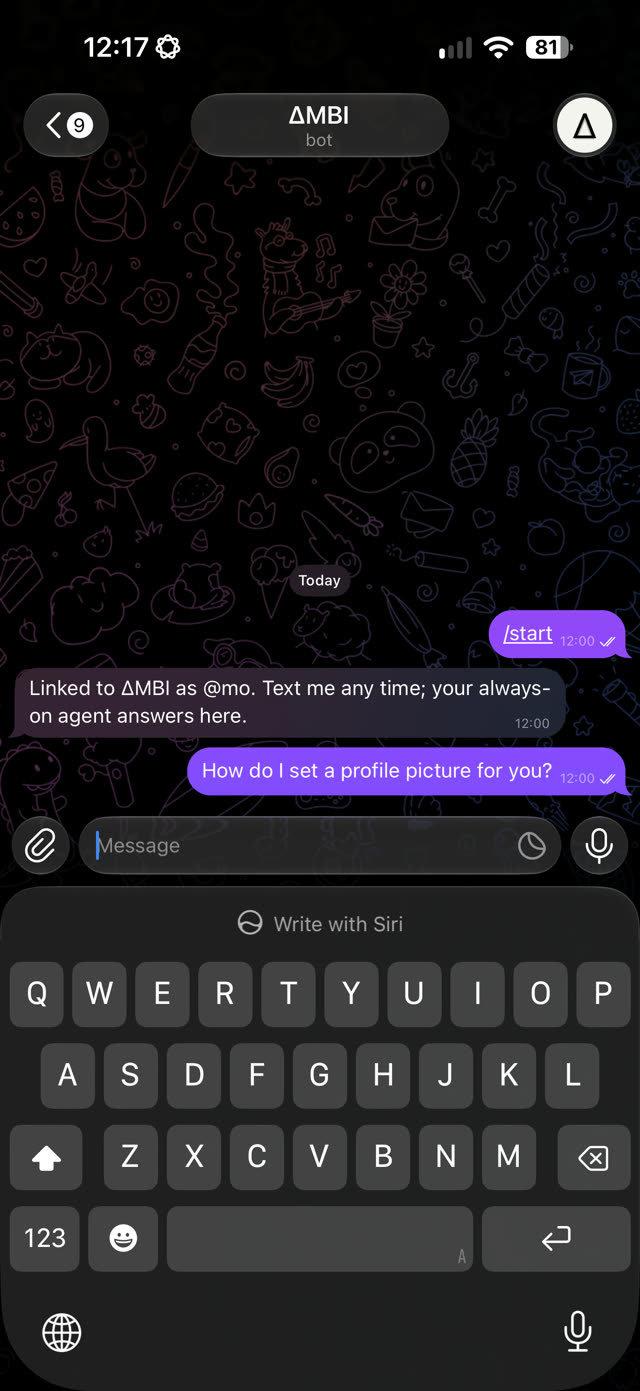
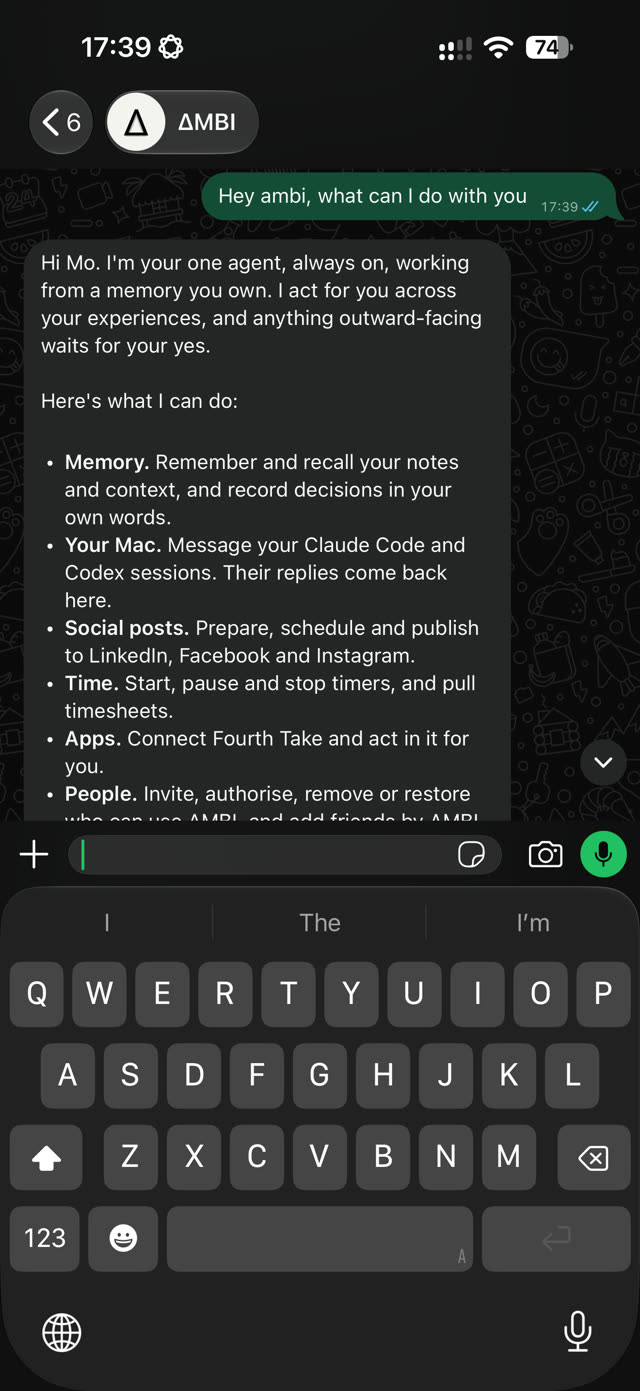
Text ΔMBI on WhatsApp, or ΔMBIgram on Telegram. Both are the same ΔMBI, under the same ΔMBI-ID.

Link once.
Choose Link WhatsApp or Link Telegram in your ΔMBI and open the link on your phone within 15 minutes. It works once and only for you.
Answers from your own memory.
The always-on ΔMBI agent answers from your own memory and connected apps, even when your computers are off.
WhatsApp or Telegram.
ΔMBIgram on Telegram is the same ΔMBI with the same memory.
Reach the agents on your Mac (beta).
Run ambi message relay --install once and keep a Claude Code, Codex, opencode or Cursor session open. ΔMBI passes your request to that session and the reply comes back to the chat. The relay shares session titles and folders, never messages or files.
On your command line,
with any agent.
This downloads the ΔMBI client, checks its fingerprint, installs it in your home folder and starts sign-in. Anyone can download it; using ΔMBI needs an invitation.
curl -fsSL https://ambi.slate-hq.uk/install.sh | shΔMBI checks for a new version at most once a day and tells you in one line. Run the install command again to update; your sign-in, memory and linked folders stay.
Copy the install command
This downloads the ΔMBI client, checks its fingerprint, installs it in your home folder and starts sign-in. Anyone can download it; using ΔMBI needs an invitation.
Open any agent on your command line FIRST
Start Claude Code, Codex, opencode, Cursor's agent or Gemini in Terminal, in the folder you work in.
Then paste the install command
Paste it into the agent and ask it to run it. Approve the command when your agent asks. The agent then helps you sign in and choose your ΔMBI-ID and your Work or Personal memory.
Approve a short code to sign in
To sign in, ΔMBI shows a short code and a link. Open the link on any device where you are signed in to ΔMBI, check the code matches, and approve. Nothing is typed into the terminal.
In Claude and ChatGPT
Add ΔMBI to any app that takes a remote MCP connector. It is free in Claude and Codex through MCP.
https://mcp.slate-hq.uk/ambiMemory you own
Every agent you connect reads the same memory, and each sees only what you allow.
Learn as you go
Ask any agent “What should I learn next?” and it picks up from where you are.
The many ways to
request access.
No invitation yet? Request access with your name, your email and, if you like, a line on what you would use ΔMBI for.
From your command line: run the install command, then ambi request-access.
Ready when you are.
Request access in the ΔMBI bar below. We reply by email.
Prefer a chat? Request access on WhatsApp or Telegram: the same questions, in a conversation.